Loading...
Back to Blog
Back to Blog Dan Malone
Finding Automation Candidates in Your Home Assistant Logbook (Part 3)
Dan MaloneJanuary 22, 2026
8 min read
View Source Code
github.com/Danm72/ha-dashboard-2026
Connect on LinkedIn
in/d-malone
Follow on Twitter/X
@danmalone_mawla
Share this article
Finding Automation Candidates in Your Home Assistant Logbook
Part 3 of my Home Assistant AI journey ← Read first: Part 1: How I Used AI to Audit 3 Years of Smart Home Tech Debt | Part 2: Using Claude Code to Fix 3 Years of Home Assistant Tech DebtSo I've been doing a lot of Home Assistant cleanup lately. Part of that involved staring at my automations and realizing half of them were broken or duplicated. But the other half of the problem is the stuff I should be automating but haven't.
Here's the thing. I turn on the kitchen lights at roughly the same time every morning. I activate the same scene most evenings. I turn everything off around the same time before bed. Like, I do this manually. Every day. For years.
I'm an idiot.
The Problem
Home Assistant has all this data sitting in the logbook. Every action, every state change, timestamps for everything. But actually using that data to figure out what you're doing manually? That's a pain. The UI shows you a timeline, which is nice, but it doesn't exactly surface patterns like "hey, you've turned on the kitchen lights at 6:30am fourteen times this month, maybe automate that?"
So I wrote a script to do it for me.
What It Does
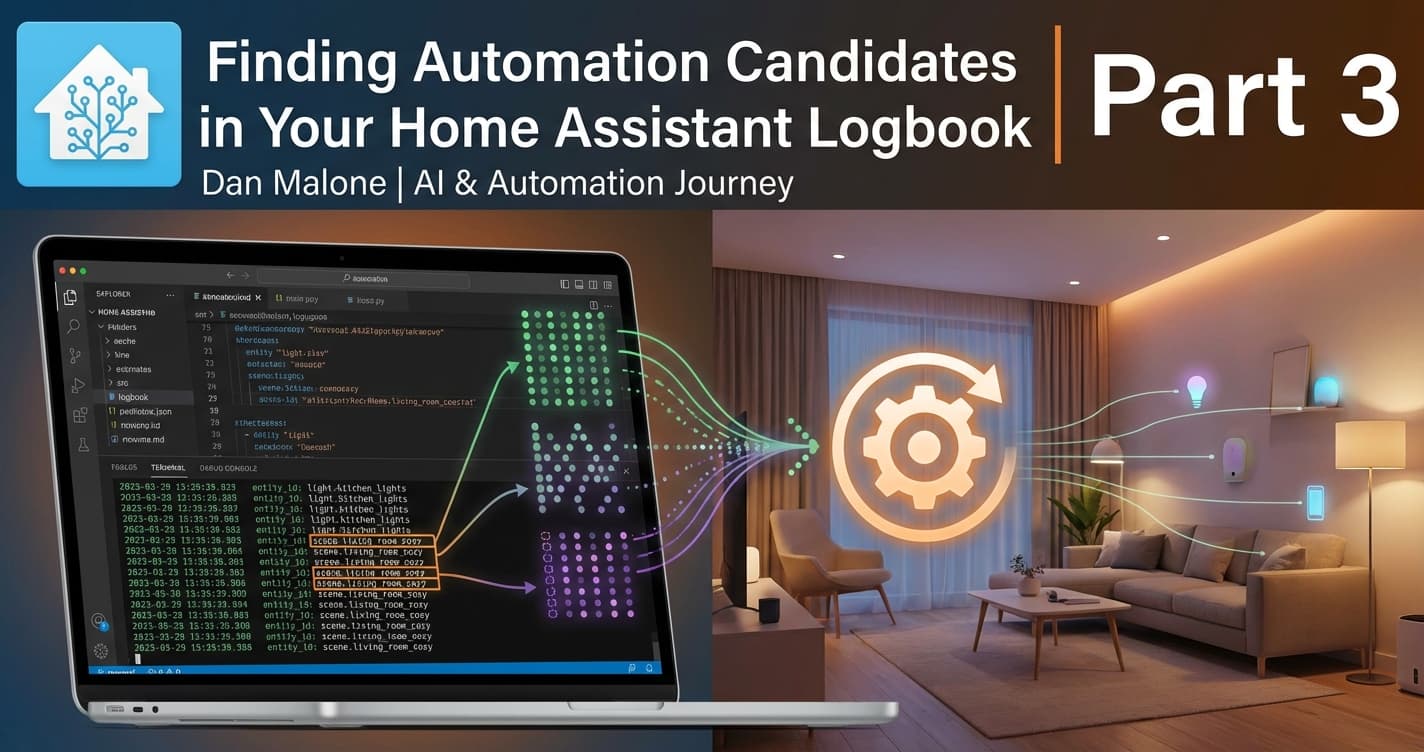
The script queries the Home Assistant logbook API and looks for actions that:
- Have a
context_user_id(meaning a human triggered it) - Weren't kicked off by automations or scripts
- Happen more than a few times
Then it groups them by time windows and figures out which ones are consistent enough to be worth automating.
How It Works
The core logic is pretty simple. Home Assistant's logbook entries have context information that tells you why something happened. If there's a context_user_id but no context_event_type of automation_triggered, that's a manual action.
def is_manual_action(entry):
    """Check if a logbook entry represents a manual user action."""
    # Must have a context_user_id to be user-triggered
    if not entry.get("context_user_id"):
        return False

    # Exclude automation-triggered actions
    if entry.get("context_event_type") == "automation_triggered":
        return False

    # Exclude internal/system events
    context_domain = entry.get("context_domain", "")
    if context_domain in ("automation", "script"):
        return False

    return True
Once we have the manual actions, we group them into 30-minute time windows and count how many times you did the same thing in the same window. If you turned on the kitchen lights around 6:30 ten times out of fourteen total, that's a 71% consistency score. Probably worth automating.
Sample Output
Querying Home Assistant at http://homeassistant.local:8123
Time range: 2025-01-15 to 2025-01-22
Domains: light, switch, scene, cover, climate, script
Fetching logbook entries...
Found 2847 total logbook entries
Identified 173 manual actions across 25 entities

=== Manual Actions Summary (Last 7 Days) ===

Entity: scene.living_room_cozy
  Actions: 12 total
  - activated: 12 times (mostly 19:00-21:59)

Entity: light.kitchen_lights
  Actions: 28 total
  - turn_on: 14 times (mostly 06:00-07:59)
  - turn_off: 14 times (mostly 22:00-23:59)

=== Automation Candidates ===

1. light.kitchen_lights turn_on
   Pattern: 10 of 14 occurrences around 06:30
   Consistency: 71%
   Suggestion: Create automation for 06:30 trigger

2. light.kitchen_lights turn_off
   Pattern: 11 of 14 occurrences around 22:00
   Consistency: 78%
   Suggestion: Create automation for 22:00 trigger
Yeah. I've been turning on the kitchen lights at 6:30am manually for god knows how long. Cool.
Running It
You'll need Python 3.11+ and a long-lived access token from Home Assistant. Set up is pretty straightforward:
# Install dependencies
pip install requests

# Set your token (or save to ~/.ha_token)
export HA_TOKEN="your-long-lived-token-here"

# Run it
./extract_manual_actions.py --base-url http://homeassistant.local:8123
There's a few options:
--days 14to look back further (default is 7)--min-occurrences 5to be stricter about what counts as a pattern--jsonif you want to pipe the output somewhere else
What I Found
Running this on my own setup was a bit humbling. Turns out I have some extremely consistent habits:
- Kitchen lights - 6:30am on, 10pm off. Like clockwork. Zero automations.
- Living room scene - 7pm most evenings. I activate the same "cozy" scene. Manually.
- Downstairs off scene - 10:30pm-ish. Every night. By hand.
The script found eight automation candidates with consistency scores above 60%. Eight things I've been doing by hand, at roughly the same time, multiple times a week.
I'm not gonna lie to you, it's a bit embarrassing. But at least now I know.
The Code
The full script is available in my Home Assistant dashboard repo:
github.com/Danm72/home-assistant-automation-suggestionsIt's about 450 lines of Python. Nothing fancy, just queries the API, does some grouping, spits out suggestions. Feel free to take it and modify it for your own setup.
Step Two: Actually Creating the Automations
So now you've got a list of candidates. Cool. You could write the automations by hand. Or you could feed the output to ha-mcp and let Claude Code do it for you.
ha-mcp gives you 82 tools for interacting with Home Assistant - reading state, creating automations, managing entities, the lot. I've been using it alongside Claude Code for all my HA cleanup work and it's been properly useful.
The workflow is pretty simple:
- Run the script, get your automation candidates
- Ask Claude to create automations for the high-consistency ones
- Review what it generates before enabling
For the kitchen lights example, I just said "create an automation to turn on light.kitchen_lights at 6:30am on weekdays" and it handled the YAML, registered it with Home Assistant, done. No manual editing.
I've already knocked out most of the eight candidates this way. The ones that needed conditions (like "only if I'm home" or "only on weekdays") took a bit more back-and-forth, but still faster than writing YAML by hand.
The Full Workflow
- Find patterns - Run the script, see what you're doing manually
- Create automations - Use ha-mcp + Claude Code to generate them
- Review and refine - Add conditions, adjust triggers as needed
The nice thing about having the data is you can be pretty surgical about it. Instead of guessing what might be useful to automate, you know exactly which actions you do manually, how often, and when. Takes the guesswork out of it.
Anyway. Go run it on your own setup. You might be surprised what you find.
Explore the Full Code
Star the repo to stay updated
Let's Connect
Follow for more smart home content
Follow on Twitter/X
@danmalone_mawla
Tags
home-assistant
python
smart-home
automation
logbook
data-analysis

Related Articles
Continue reading similar content

Ralph Wiggum: Orchestrating AI Agents to Migrate a 3-Year-Old Codebase
I wrote four bash scripts to orchestrate Claude Code agents in parallel. Three days later: 236 files changed, 271 commits, and a fully migrated codebase.
15 min read

6 Releases in 3 Days: What Happens When You Ship (Part 5)
Part 5 of my Home Assistant AI journey: I promised to build auto-create automations. Instead, I shipped 6 releases in 3 days - none of which were the feature I said I'd build.
7 min read

Turning a Script Into a Home Assistant Integration (Part 4)
Part 4 of my Home Assistant AI journey: How I turned the automation-finder Python script into a proper HA integration with config flow, sensors, and services.
10 min read