Loading...
Back to Blog
Back to Blog Dan Malone
6 Releases in 3 Days: What Happens When You Ship (Part 5)
Dan MaloneJanuary 26, 2026
7 min read
View Source Code
github.com/Danm72/ha-dashboard-2026
Connect on LinkedIn
in/d-malone
Follow on Twitter/X
@danmalone_mawla
Share this article
6 Releases in 3 Days: What Happens When You Ship (Part 5)
Plans are great until users show up ← Read first: Part 1: AI Audit | Part 2: Claude Code Implementation | Part 3: Finding Automation Candidates | Part 4: Building the IntegrationPart 4 ended with this: "What's Next: implement automations based on input."
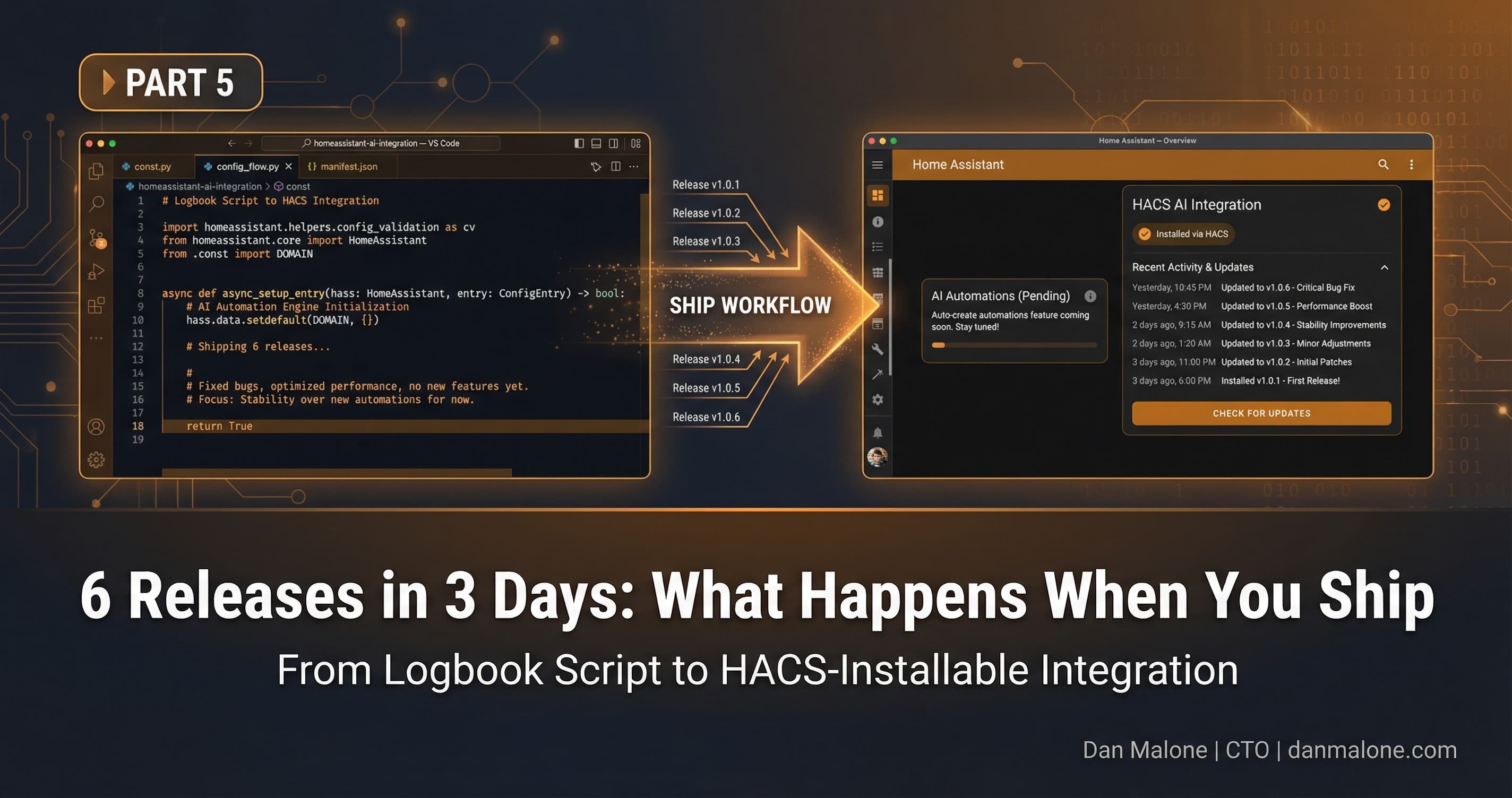
That was three days ago. Six releases later, I still haven't built that feature. Here's what happened instead.
The Plan vs Reality
So the plan was simple, right? Part 4 shipped v1.1.0 - the integration that finds patterns and shows you suggestions. Part 5 would be the logical next step: automatically creating those automations for you.
I had it all mapped out. User clicks a button, the integration generates the YAML, boom - automation created. The Reddit commenter who inspired this whole thing specifically asked for "implement them based on input." It was the obvious next feature.
Instead, this is what actually shipped:
| Release | What I Planned | What Actually Shipped |
|---|---|---|
| v1.2.0 | Auto-create automations | Bug fixes |
| v1.3.0 | (still auto-create) | Notification overhaul |
| v1.4.0 | (surely this time) | User and domain filtering |
| v1.5.0 | (any day now) | Full Lovelace UI |
| v1.6.0 | (look, I'll get to it) | Stale automation detection |
The Timeline
Here's how it actually went down.
Day 0 - v1.2.0: Bug FixesPart 4 went live. People installed the integration. Within hours, I'm seeing issues. Friendly names weren't displaying properly. Some users were getting false positives from automations that looked like manual actions.
Classic. You think you've tested everything, then real users show up and prove you wrong.
Day 1 - v1.3.0: Notification OverhaulThe original design only showed suggestions above 80% confidence in notifications. Arbitrary threshold I picked because it felt right.
Turns out users wanted to see everything and decide for themselves. So v1.3.0 removed the gatekeeping. All suggestions appear now, sorted by confidence. One well-formatted notification instead of multiple.
Automation Suggestions Found

- turn_on Kitchen Light around 07:00
  85% consistent, seen 12 times

- turn_off Living Room around 22:30
  72% consistent, seen 10 times
The lesson there: don't be paternalistic. Give people the information, let them make the call.
Day 1 - v1.4.0: FilteringThis was originally penciled in for v2.x. "Future enhancement," I called it.
But I use Node-RED. I have a service account that triggers automations. My own integration was suggesting I automate things that were already automated - just not by Home Assistant directly.
Power users have the same problem. AppDaemon users, MQTT bridge users, anyone with child accounts generating noise in the logbook.
So v1.4.0 added filtering:
automation_suggestions:
  exclude_users:
    - homeassistant
    - automation_account
  exclude_domains:
    - nodered
    - appdaemon
One day to implement what I'd planned for months later. That's the thing about AI-assisted development - the timeline compression is wild.
Day 2 - v1.5.0: Full UINotifications are ephemeral. You see them, you dismiss them, they're gone. What if you wanted to browse all your suggestions? Compare them? Dismiss the ones that don't make sense?
v1.5.0 added a proper Lovelace card. Real-time updates via WebSocket. Grouped by domain with expandable sections. Dismiss directly from the UI.
This one had some interesting technical challenges. I initially tried stuffing all the suggestion data into sensor attributes. Seemed logical - the data's right there, the card just reads it.
Turns out Home Assistant has a 16KB hard limit on state attributes. Anything over that gets silently truncated by the recorder. With 50+ suggestions, I was blowing past that limit easily.
The fix was implementing a proper WebSocket API:
// Subscribe to real-time updates
hass.connection.subscribeMessage(
  (msg) => this._handleUpdate(msg),
  { type: "automation_suggestions/subscribe" }
);
Architecture review caught that one before it became a production bug. Having Claude Code run multiple review agents in parallel is like having a team of specialists on call.
Day 3 - v1.6.0: Stale Automation DetectionHere's the thing - the original blog post (Part 1) wasn't just about finding new automations. It was about auditing three years of tech debt. That included finding automations that weren't running anymore.
v1.6.0 brings that full circle. The integration now tracks which automations haven't triggered in a while:
automation_suggestions:
  stale_threshold_days: 30
New sensors for stale count. A "Stale" tab in the UI next to "Suggestions" and "Dismissed." The same dismiss functionality so you can mark intentionally-inactive automations.
The scope expanded, but it stayed within the original problem space: help users manage their automations better.
The Pattern
After six releases in three days, a pattern emerged:
- Notice a pain point (often while using my own integration)
- Describe it to Claude Code (with context about the codebase)
- Review the implementation (tests included)
- Ship it
- Repeat
This is sort of the key insight: the limiting factor isn't implementation anymore. It's identifying what to build.
Traditional development model, you write specs, estimate time, implement over weeks, ship, repeat. Each cycle takes two to four weeks minimum for a real feature.
With Claude Code, each cycle takes hours. Sometimes less. The e2e tests for v1.5.0 took longer to run than the feature took to implement.
What Enables This
A few things make this velocity possible:
- Context retention - Claude Code understands the codebase after initial setup
- Test generation - Tests ship with features, not as an afterthought
- Well-documented patterns - Home Assistant has clear integration patterns
- Small, discrete features - Each release does one thing well
What's Still Hard
Not everything speeds up equally:
- Architecture decisions - "Should this be a sensor or a service?" still requires human judgment
- UX design - AI can implement UI, but the design decisions need human input
- Edge cases - AI-generated tests catch obvious cases; production reveals the weird ones
- Security review - AI can write secure code, but review remains my responsibility
Good Feature Creep vs Bad Feature Creep
Feature creep has a bad reputation. Usually deserved. But there's a difference between scope creeping before you ship and scope expanding after real usage.
| Bad Creep | Good Creep |
|---|---|
| Pre-release scope expansion | Post-release iteration based on usage |
| Committee-driven additions | User-driven (even when user = developer) |
| Delays initial release | Rapid follow-on releases |
| Compromises quality | Maintains test coverage |
| Scope grows indefinitely | Scope grows within problem domain |
Every feature added makes sense in that context. Filtering removes noise. UI provides visibility. Stale detection catches the other half of the tech debt problem. It's expansion, not sprawl.
What's Actually Next
So about that auto-create feature...
It's still coming. v1.7.0, probably. The reason it kept getting deprioritized is actually reasonable:
- Each release addressed a more immediate pain point
- Auto-creation requires more careful UX (you're modifying the user's system)
- The foundation needed to exist first - filtering, UI, dismissal workflows
- Real usage revealed what users actually needed right now
The irony isn't lost on me. I promised the feature five releases ago. But shipping what users actually need is more important than shipping what I said I'd ship.
Building in public means your plans are documented. It also means your pivots are documented. Both are fine. What matters is that the thing gets better.
The Meta Point
Here's what I keep coming back to: AI-assisted development changes the economics of shipping.
When implementation is fast, you can afford to be more responsive. Pain point shows up Monday, fix ships Tuesday. That's not "move fast and break things" - the tests are there, the quality is maintained. It's just... faster.
The best plan is the one that survives contact with users. Claude Code made it possible to react in hours instead of weeks.
Six releases in three days, test coverage maintained, zero breaking changes, and a genuinely better product than what I originally planned to build.
The auto-create feature will ship when it's the most important thing to ship. Right now, the foundation is solid, the UI is useful, and users can actually see what's going on with their automations.
That's pretty good for a weekend project that keeps growing.
The integration is at github.com/Danm72/home-assistant-automation-suggestions. Stars and issues welcome. Previous parts:
Explore the Full Code
Star the repo to stay updated
Let's Connect
Follow for more smart home content
Follow on Twitter/X
@danmalone_mawla
Tags
home-assistant
claude-code
ai-development
rapid-iteration
smart-home
automation

Related Articles
Continue reading similar content

Ralph Wiggum: Orchestrating AI Agents to Migrate a 3-Year-Old Codebase
I wrote four bash scripts to orchestrate Claude Code agents in parallel. Three days later: 236 files changed, 271 commits, and a fully migrated codebase.
15 min read

Turning a Script Into a Home Assistant Integration (Part 4)
Part 4 of my Home Assistant AI journey: How I turned the automation-finder Python script into a proper HA integration with config flow, sensors, and services.
10 min read

Finding Automation Candidates in Your Home Assistant Logbook (Part 3)
Part 3 of my Home Assistant AI journey: Using Python to mine your logbook for manual actions that should be automated.
8 min read