Loading...
Back to Blog
Back to Blog Dan Malone
Turning a Script Into a Home Assistant Integration (Part 4)
Dan MaloneJanuary 23, 2026
10 min read
View Source Code
github.com/Danm72/ha-dashboard-2026
Connect on LinkedIn
in/d-malone
Follow on Twitter/X
@danmalone_mawla
Share this article
Turning a Script Into a Home Assistant Integration (Part 4)
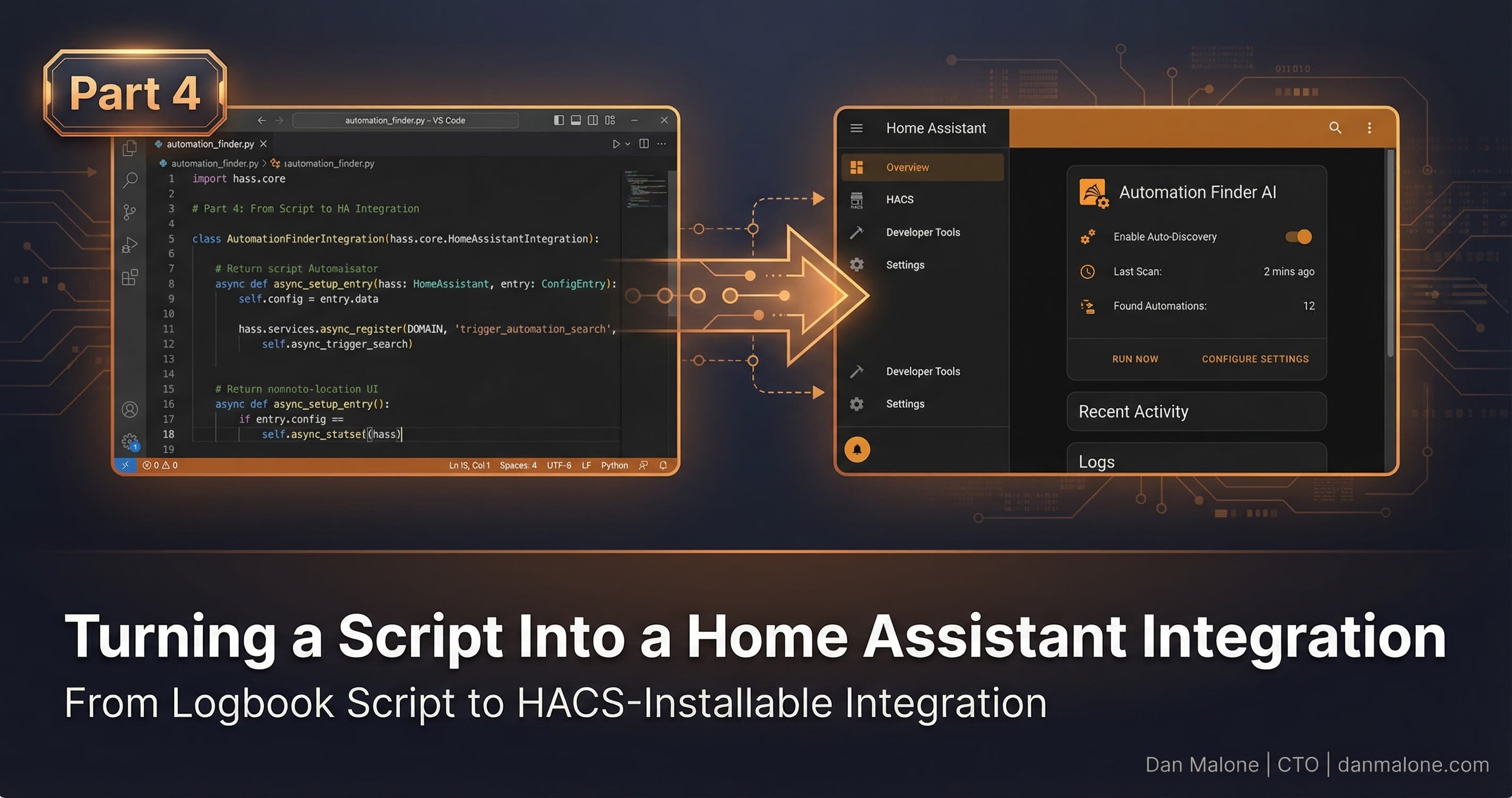
From Reddit comment to HACS-installable integration in a weekend ← Read first: Part 1: How I Used AI to Audit 3 Years of Smart Home Tech Debt | Part 2: Using Claude Code to Fix 3 Years of Home Assistant Tech Debt | Part 3: Finding Automation Candidates in Your Home Assistant LogbookSo Part 3 was the Python script. The one that queries your logbook, finds all the stuff you've been doing manually like an idiot, and tells you what to automate. It got 337 upvotes on Reddit, which was nice. People seemed to find it useful.
But then someone left this comment:
"Would it be possible to make an integration that regularly looks for these things (repeated manual tasks) and suggests automations? plus implement them based on input. I guess, a bit like Alexa does it with hunches?"
And I thought, yeah. Yeah, that would be better.
A script you have to remember to run is useful. An integration that just tells you when it finds patterns? That's actually useful.
Why an Integration vs Just a Script
Look, the script worked. You run it, it spits out suggestions, done. But here's the problem: I never ran it. It sat in my tools folder collecting dust because I had to actively remember to use it.
An integration changes that. It runs in the background. It creates sensors. Those sensors show up in your dashboard. Suddenly you have a badge that says "3 new automation suggestions" and you can't ignore it.
Plus:
- Config flow - Set it up through the UI, no YAML editing, no tokens to manage
- Persistent state - Dismissed suggestions stay dismissed across restarts
- Services - Trigger analysis on demand, dismiss suggestions programmatically
- Sensors - Real entities you can use in automations and dashboards
The Reddit commenter was right. An integration is just... better.
What Home Assistant Integrations Actually Need
I'm not gonna lie to you, building a proper HA integration is more involved than I expected. There's a whole structure to it.
Here's what you need at minimum:
custom_components/
└── automation_suggestions/
    ├── __init__.py          # Integration setup
    ├── manifest.json        # Metadata, dependencies, version
    ├── config_flow.py       # UI-based configuration
    ├── coordinator.py       # Data fetching and refresh logic
    ├── sensor.py            # Sensor entities
    ├── binary_sensor.py     # Binary sensor entities
    ├── services.yaml        # Service definitions
    ├── strings.json         # UI strings
    └── translations/
        └── en.json          # English translations
The manifest.json is where you define your integration's identity:
{
  "domain": "automation_suggestions",
  "name": "Automation Suggestions",
  "version": "1.1.0",
  "codeowners": ["@Danm72"],
  "config_flow": true,
  "dependencies": [],
  "documentation": "https://github.com/Danm72/home-assistant-automation-suggestions",
  "iot_class": "local_polling",
  "requirements": []
}
Zero external dependencies. Everything uses HA's built-in APIs. That was a deliberate choice - I wanted this to be as lightweight as possible.
The Config Flow Journey
Config flow is how users set up your integration through the UI. No editing YAML, no hunting for tokens. Just Options > Devices & Services > Add Integration > search for yours.
The flow itself is straightforward:
class AutomationSuggestionsConfigFlow(config_entries.ConfigFlow, domain=DOMAIN):
    """Handle a config flow for Automation Suggestions."""

    VERSION = 1

    async def async_step_user(self, user_input=None):
        """Handle the initial step."""
        errors = {}

        if user_input is not None:
            # Validate the configuration
            return self.async_create_entry(
                title="Automation Suggestions",
                data=user_input
            )

        return self.async_show_form(
            step_id="user",
            data_schema=vol.Schema({
                vol.Optional(CONF_LOOKBACK_DAYS, default=14): vol.All(
                    vol.Coerce(int), vol.Range(min=1, max=90)
                ),
                vol.Optional(CONF_MIN_OCCURRENCES, default=3): vol.All(
                    vol.Coerce(int), vol.Range(min=2, max=20)
                ),
                vol.Optional(CONF_CONSISTENCY_THRESHOLD, default=0.5): vol.All(
                    vol.Coerce(float), vol.Range(min=0.1, max=1.0)
                ),
                vol.Optional(CONF_ANALYSIS_INTERVAL, default=6): vol.All(
                    vol.Coerce(int), vol.Range(min=1, max=24)
                ),
            }),
            errors=errors,
        )
Users get sliders for:
- Lookback days - How far back to analyze (default 14)
- Minimum occurrences - How many times before it counts (default 3)
- Consistency threshold - What percentage makes a pattern (default 50%)
- Analysis interval - Hours between automatic refreshes (default 6)
The nice thing about config flow is you can add an options flow too, so users can change these settings after installation without removing and re-adding the integration.
The DataUpdateCoordinator Pattern
This is the bit that took me a while to figure out. HA has this pattern called DataUpdateCoordinator that handles periodic data fetching. You use it when multiple entities need the same data.
class AutomationSuggestionsCoordinator(DataUpdateCoordinator):
    """Coordinator to manage automation suggestions data."""

    def __init__(self, hass: HomeAssistant, entry: ConfigEntry) -> None:
        """Initialize the coordinator."""
        self.entry = entry
        self._dismissed: set[str] = set()

        # Load dismissed suggestions from storage
        self._load_dismissed()

        interval = timedelta(
            hours=entry.options.get(CONF_ANALYSIS_INTERVAL, 6)
        )

        super().__init__(
            hass,
            _LOGGER,
            name=DOMAIN,
            update_interval=interval,
        )

    async def _async_update_data(self) -> dict[str, Any]:
        """Fetch and analyze logbook data."""
        # Run CPU-bound analysis in executor
        return await self.hass.async_add_executor_job(
            self._analyze_patterns
        )
The key insight: analysis is CPU-bound work (grouping events, calculating statistics), so it runs in an executor thread to avoid blocking the event loop. HA is very particular about not blocking the main thread.
The coordinator refreshes every N hours (configurable), and all the sensors just read from its cached data. Clean separation of concerns.
Detecting Manual Actions
This is the core logic, ported from the original script. The trick is figuring out which actions were triggered by a human versus an automation.
def _is_manual_action(self, entry: dict) -> bool:
    """Check if a logbook entry represents a manual user action."""
    # Must have a context_user_id to be user-triggered
    if not entry.get("context_user_id"):
        return False

    # Exclude automation-triggered actions
    context_event_type = entry.get("context_event_type", "")
    if context_event_type in ("automation_triggered", "script_started"):
        return False

    # Exclude if context_domain indicates automation/script
    context_domain = entry.get("context_domain", "")
    if context_domain in ("automation", "script", "scene"):
        return False

    return True
It's exclusion-based detection. If an action has a user ID but wasn't triggered by an automation, script, or scene, it's probably manual. Not perfect, but it works for the vast majority of cases.
The pattern analysis groups actions into 30-minute time windows and calculates consistency scores. If you turn on the kitchen lights around 6:30am ten times out of fourteen total occurrences, that's 71% consistency.
The Sensor Entities
The integration creates four entities:
sensor.automation_suggestions_count - Number of current suggestions
sensor.automation_suggestions_top - The top suggestion, with full details in attributes
@property
def extra_state_attributes(self) -> dict[str, Any]:
    """Return detailed suggestion data."""
    if not self.coordinator.data:
        return {}

    suggestions = self.coordinator.data.get("suggestions", [])
    return {
        "suggestions": suggestions[:10],  # Top 10
        "last_analysis": self.coordinator.data.get("last_analysis"),
        "entities_analyzed": self.coordinator.data.get("entities_analyzed"),
    }
sensor.automation_suggestions_last_analysis - Timestamp of last analysis run
binary_sensor.automation_suggestions_new_available - True when there are undismissed suggestions
That binary sensor is the useful one for dashboards. You can add a conditional badge that only shows when there's something to look at:
badges:
  - type: entity
    entity: binary_sensor.automation_suggestions_new_available
    visibility:
      - condition: state
        entity: binary_sensor.automation_suggestions_new_available
        state: "on"
Services
Two services make the integration actually interactive:
automation_suggestions.analyze_now - Trigger an immediate refresh
automation_suggestions.analyze_now:
  name: Analyze Now
  description: Trigger immediate pattern analysis
automation_suggestions.dismiss - Hide a suggestion
automation_suggestions.dismiss:
  name: Dismiss Suggestion
  description: Dismiss a suggestion so it won't appear again
  fields:
    suggestion_id:
      name: Suggestion ID
      description: The ID of the suggestion to dismiss
      required: true
      selector:
        text:
Dismissed suggestions persist across restarts using HA's storage helpers. The data lives in .storage/automation_suggestions.dismissed so you don't lose your dismissals when you reboot.
The Fallback Strategy
Here's something I learned the hard way: the logbook API isn't always available. Some setups have it disabled, some have data retention limits that make it useless for pattern detection.
So there's a fallback:
async def _fetch_data(self) -> list[dict]:
    """Fetch logbook data with fallback to state history."""
    try:
        # Try logbook first
        return await self._fetch_logbook_data()
    except Exception as err:
        _LOGGER.warning("Logbook unavailable, falling back to state history: %s", err)
        return await self._fetch_state_history()
State history doesn't have the context_user_id field, so the manual detection is less accurate. But it's better than failing entirely.
Testing and Quality Scale
Home Assistant has this thing called the "quality scale" for integrations. Bronze, Silver, Gold, Platinum. Each level has requirements around test coverage, documentation, and code quality.
I aimed for Bronze, which requires:
- Config flow (check)
- Proper entity naming (check)
- No external dependencies (check)
- Handles coordinator errors gracefully (check)
- Appropriate logging (check)
Silver would need 100% test coverage and a few other things. Maybe someday. For now, Bronze feels right for a v1.1.0.
The integration has tests for the core pattern detection logic:
def test_pattern_detection():
    """Test that repeated actions are correctly identified."""
    entries = [
        {"entity_id": "light.kitchen", "context_user_id": "abc123", "when": "2024-01-15T06:30:00"},
        {"entity_id": "light.kitchen", "context_user_id": "abc123", "when": "2024-01-16T06:32:00"},
        {"entity_id": "light.kitchen", "context_user_id": "abc123", "when": "2024-01-17T06:28:00"},
    ]

    analyzer = PatternAnalyzer(entries)
    suggestions = analyzer.analyze()

    assert len(suggestions) == 1
    assert suggestions[0]["entity_id"] == "light.kitchen"
    assert suggestions[0]["consistency"] > 0.9
What's Next
The integration is on GitHub and works with HACS (Home Assistant Community Store). Install it, configure through the UI, and start getting suggestions.
What I haven't built yet is the "implement them based on input" part of the original Reddit comment. That's the really interesting bit - having the integration actually create the automations for you.
The pieces are there. ha-mcp can create automations programmatically. The suggestions have all the data needed (entity, action, time window, confidence). It's just a matter of wiring them together.
I'm thinking a service like automation_suggestions.create_automation that takes a suggestion ID and generates the automation YAML. Maybe with options for conditions (weekdays only, when home, etc).
It remains to be seen whether that's actually a good idea. Automatically creating automations feels like it could go wrong in interesting ways. But that's what testing is for, right?
For now, the integration does what the Reddit commenter asked for: it regularly looks for repeated manual tasks and surfaces them as suggestions. The "implement based on input" part is Part 5.
Installation
HACS (recommended):- Open HACS in your Home Assistant
- Click the three dots menu > Custom repositories
- Add
https://github.com/Danm72/home-assistant-automation-suggestionsas an Integration - Search for "Automation Suggestions" and install
- Restart Home Assistant
- Go to Settings > Devices & Services > Add Integration > Automation Suggestions
- Download the
automation_suggestionsfolder - Copy to
config/custom_components/ - Restart Home Assistant
- Add via Settings > Devices & Services
The integration code is at github.com/Danm72/home-assistant-automation-suggestions. Issues and PRs welcome. Things mentioned:
- ha-mcp - MCP server for Claude Code
- HACS - Home Assistant Community Store
- Home Assistant DataUpdateCoordinator pattern
- Home Assistant config flow documentation
Explore the Full Code
Star the repo to stay updated
Let's Connect
Follow for more smart home content
Follow on Twitter/X
@danmalone_mawla
Tags
home-assistant
python
smart-home
automation
custom-integration
hacs

Related Articles
Continue reading similar content

Ralph Wiggum: Orchestrating AI Agents to Migrate a 3-Year-Old Codebase
I wrote four bash scripts to orchestrate Claude Code agents in parallel. Three days later: 236 files changed, 271 commits, and a fully migrated codebase.
15 min read
6 Releases in 3 Days: What Happens When You Ship (Part 5)
Part 5 of my Home Assistant AI journey: I promised to build auto-create automations. Instead, I shipped 6 releases in 3 days - none of which were the feature I said I'd build.
7 min read

Finding Automation Candidates in Your Home Assistant Logbook (Part 3)
Part 3 of my Home Assistant AI journey: Using Python to mine your logbook for manual actions that should be automated.
8 min read